From Printed Leaflet to Digital Programme: Finding the Right Format at a Concert
A printed leaflet or digital concert programme can answer different questions at different moments; choose a format that stays easy to consult.
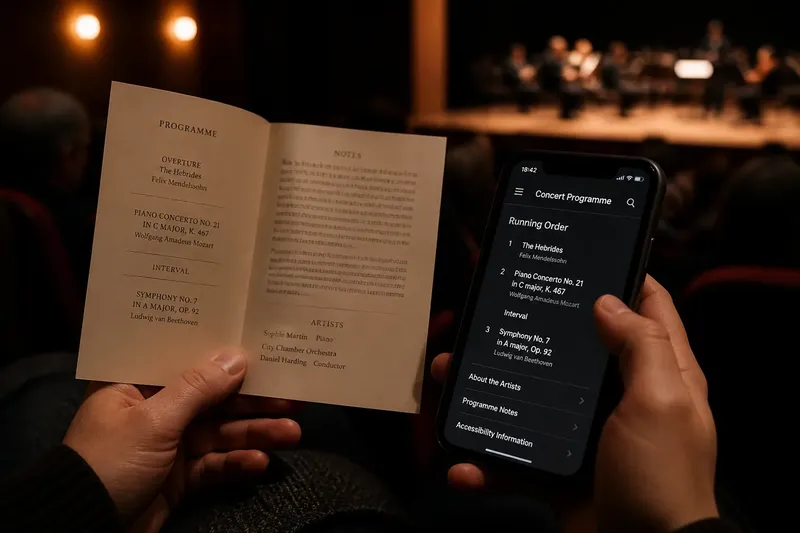
You open a digital concert programme just as the lights dim, and the screen asks you to accept cookies, enlarge the text, or find the right page. A printed leaflet can be simpler—until it slips beneath a seat or the small type becomes hard to read. The move from printed leaflet to digital programme has made concert information easier to update and carry, but it has not made every moment of consulting it easier.
The useful question is not which format has won. It is what you need to look up, when you need it, and what could get in the way. Treat the programme as a companion to listening: a paper copy and a screen each have distinct strengths, and a little preparation can prevent either from becoming a distraction.
Why does a programme become hard to consult?
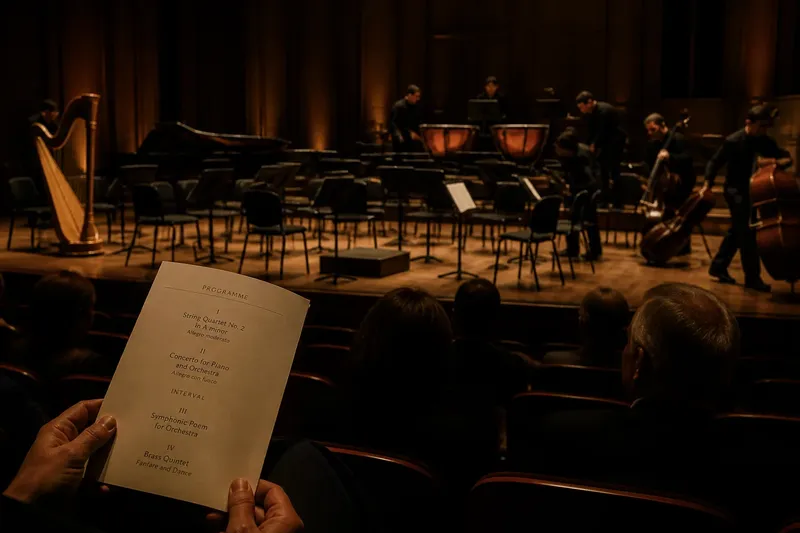
Most problems start with a mismatch between the format and the moment. A folded leaflet is pleasant to scan in a lobby, where you can hold it open and compare the running order. During a quiet passage, unfolding it may rustle or draw your eyes away from the stage. A phone offers searchable text and a bright display, but unlocking it can interrupt your attention and the light may bother nearby listeners.
There is also a difference between having information and finding it. A printed programme may put biographies, notes, and the running order on several panels, so a quick glance can turn into a hunt. A digital version may contain the same material, but a long page, small controls, or an unfamiliar venue website can make the relevant detail just as elusive.
Start by identifying the question you expect to ask: What is the next work? Who is performing? Is there an interval? The answer determines whether you want a glanceable page, searchable text, or no programme in your hands at all.
What makes the paper version useful?
A printed leaflet works without a battery, network connection, login, or screen setting. You can open it before the concert, mark a name lightly in pencil, and put it away without a notification taking over. Its fixed layout also makes the order of information visible at once: a heading, a short note, and the next item can sit together on the same spread.
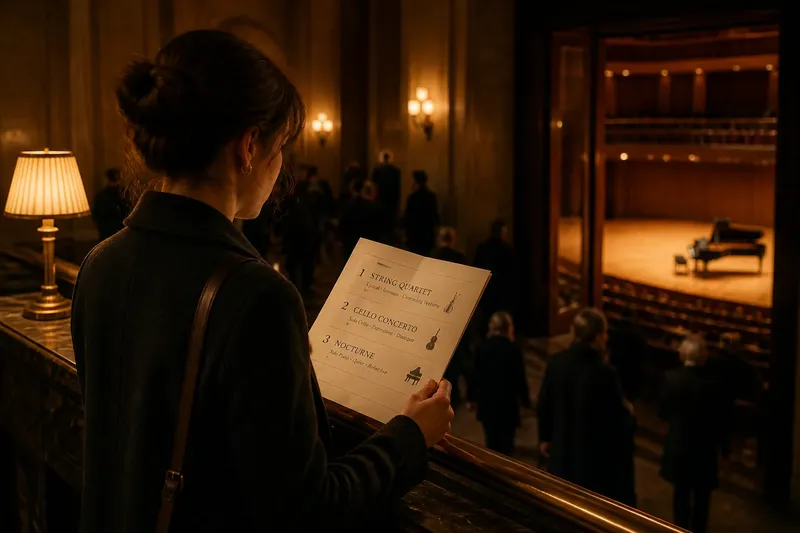
That physical layout is especially convenient when you want to orient yourself before the performance begins. A glance at the running order can answer whether a work is still to come, while the rest of the leaflet stays folded. Paper can also be easier to share with a companion: pass it across, point to a line, then take it back.
But paper has limits. A leaflet can be difficult to read in dim light, awkward to hold during applause, and easy to misplace in a coat pocket. If the venue changes a performer or corrects a detail, a printed copy may not reflect the latest information. The paper format is best when you value a quiet, dependable object and do not expect to search through extensive notes.
Before the music starts, find the running order and fold the leaflet to that page.
What does a digital programme do better?
A digital programme can gather more material without asking you to carry extra pages. Search can locate a performer’s name, a composer, or a term in the notes; links can lead to biographies or accessibility information; adjustable text can make reading more comfortable. If the venue updates its programme online, a screen may also show a correction that an already printed leaflet cannot.
Those advantages depend on a usable interface. A programme hidden behind several menu choices is not quick to consult. A page that scrolls continuously can lose your place, and a phone with low brightness may be harder to read than expected. A digital programme can also tempt you to keep checking the screen after you have already found what you need.
Make access easy before you take your seat. If the venue provides a direct link or QR code, open the page in advance, check that the running order appears, and leave it ready to view. You might save the page or take a screenshot if the venue’s site allows it, but do not assume every link works offline. Set the display to a comfortable, low brightness and silence notifications.
Use search for a specific question, not as a reason to keep browsing during the music.
How can you avoid the common format snags?
The print is too small. Dense type may look readable under lobby lighting, then become difficult to make out in the auditorium. Try reading the relevant page before the performance, or use the digital version’s text-size controls if available. If neither is comfortable, ask whether the venue offers a large-print programme or another accessible format.
The digital page will not load. A weak connection, a mistyped address, or a QR code that opens the wrong page can strand you at the door. Open the link while you still have time and check that it displays the actual programme, not just the venue’s home page. If it fails, ask an usher whether a printed copy or another access route is available.
You keep losing your place. On paper, several folds can hide the next section; on a phone, scrolling can carry you past the heading you wanted. Find the running order first, then use a bookmark, browser tab, or fold to return to it. If the programme has a contents menu, use that rather than repeatedly swiping through the full text.
Your phone becomes a distraction. A bright screen or incoming alert can pull attention from the stage and disturb someone nearby. Silence alerts and lower brightness before the performance; then put the phone away when you have answered your question. If even a dark screen feels like a lure, choose paper or leave the programme closed until the interval.
The printed details seem out of date. A last-minute change can make a name or running order in the leaflet inaccurate. Look for a notice at the venue or a current digital version, and ask staff if the change affects what you need to know. Do not assume that an online page is current simply because it is online.
Which format suits a particular concert?
For a short programme with a clear running order, paper may be all you need. If the event includes extensive notes, several performers, or information you want to search, digital access can be more convenient. A mixed approach is often sensible: consult a printed leaflet for the layout, then use the venue’s digital page for an update or a larger text display.
Imagine you arrive at a small hall with a folded leaflet, then discover the online programme includes a correction to the soloist’s name. You check the digital page in the lobby, note the correction, and keep the leaflet folded to the running order once the concert begins. The paper remains easy to glance at, while the screen answers the one detail the printed copy could not.
Some venues provide only one format, and some make digital access dependent on a device or connection you may not have. If the programme matters to your visit, check the venue’s information before leaving home and ask about accessible alternatives when needed. The venue’s own instructions and available formats determine what you can use.
What should you check before taking your seat?
A brief check can catch the snags that are easiest to fix in the lobby. Keep it practical:
- Find the running order and confirm you can tell where each work or section begins.
- Check the performer names you are likely to look up, and note any visible correction or change.
- Read a passage of notes under the lighting you will use; switch formats or seek a larger-print option if it is uncomfortable.
- For a digital programme, open the page and confirm it loads beyond the venue’s landing page.
- Silence notifications and set a low, readable screen brightness before the performance.
- Choose where the programme will go when you are listening, so you are not searching for it mid-performance.
These checks are not a demand to study the whole programme in advance. They simply make the information available when you want it, without turning every moment between pieces into a search.
What do concertgoers ask about digital programmes?
Can I use a digital programme without an internet connection?
Only if the venue’s page or file has been saved in a form that remains available offline. Open the link before arrival and check the venue’s guidance; a browser tab alone may not preserve every page.
Is a printed programme still worth taking?
It can be, especially when you want a quick glance without bringing out a phone. If you prefer reading on a screen or need adjustable text, use the digital option when the venue provides one.
Can I photograph the programme instead of keeping it open?
A personal photograph may make a short running order easy to consult, but it can be hard to read and may omit later updates. Check venue guidance on photography, and avoid using the screen during the performance if it could distract others.
What if I need a larger-print version?
Contact the venue or ask staff about large-print and other accessible formats. Available options differ, so asking ahead can help you choose a workable way to consult the programme.
A printed leaflet or digital concert programme is useful only when it answers your question without taking over your attention. Choose the format that is easiest for you to read, locate, and put aside. If you remember one preparation, make it this: find the running order before the lights dim, then let the performance have your eyes.